


4 Free MXF Converter Tools for Desktop & Web Browser Use
MXF, also known as Material Exchange Format (.mxf), is a type of video file format that is used in professional settings to contain broadcast and production media and is not usually used to store media for casual or social media use. This file format is often used to store metadata in TV, film, as well as studio settings. As a file format regarded for reliability, MXF files have very limited compatibility and can only be opened or used with professional software; thus, there has been a need for converter tools to step in and make it accessible to all devices by converting it to a more compatible and device-friendly file format, which is the MP4.
This article has listed four functional free MXF video converter tools for a comparison overview of each tool to allow users to decide which tools meet their needs in terms of their device availability and convenience of use.

How We Test and Review
In searching and actually testing the following tools for MXF converter, we carefully look into each converter tool's capabilities and usability through the following guidelines.
- • Each tool has undergone a week of actual testing in terms of processing and converting MXF files to see if the tool is really capable of performing such a task.
- • We check each tool’s usability to see if it is really accessible for both web-based and software-based users, as well as the tool’s overall ease of use to convert MXF files.
- • We check the features offered by each tool and what other extra functions they offer for a better MXF conversion process.
| MXF Converter Tools | Supported Platforms | Batch Processing | Ease of Use | File Format Output Support |
| ArkThinker Free Video Converter Online | Web-based tool | No | Yes | MP4, MOV, WMV, AVI, MKV, M4V, FLV, VOB, MPG, and more. |
| XMedia Recode for Windows | Software-based tool | No | No | M4A, M1V, MP4, MOV, OGG, MKV, MMF, AVI, and MPEG |
| FreeConvert MXF Tool | Web-based tool | No | Yes | 3GP, AVI, FLV, MKV, MP4, MOV, OGV, WEBM, and WMV |
| VLC Media Player | Software-based tool | Yes | Yes | MP4, AVI, MPEG, WEBM, and OGG |
Part 1. Best Free MXF Converter Tools
ArkThinker Free Video Converter Online
Best For: Quick and Easy Access to Free MXF Converter Tool
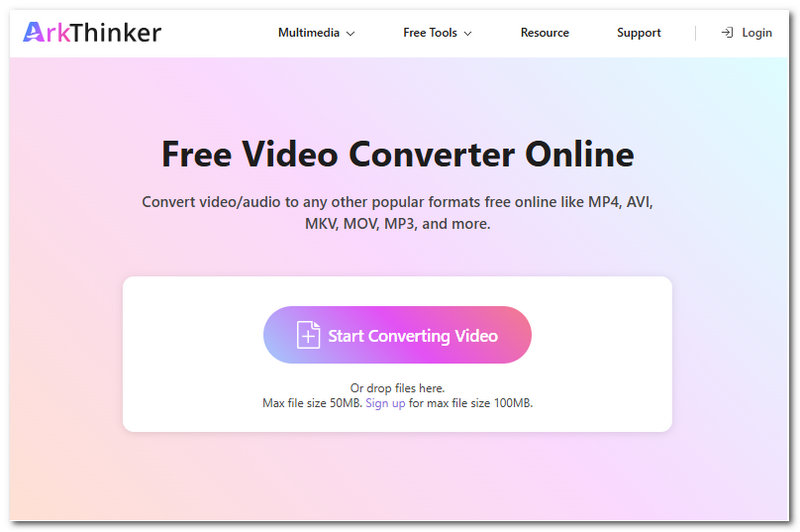
ArkThinker Free Video Converter Online is a straightforward video converter tool that does not require users to log in or install third-party software. What this tool offers is the convenience of using a video converter tool, more specifically, an MXF file converter free from hidden charges to the user's preferred file format, as the tool has a wide range of supported file formats, making the tool likable and functional.
Ratings: 4.5 / 5
- Accessible and safe to use video converter tool.
- Fast processing and lightweight on a web browser.
- Supports a wide range of video file formats in both input and output.
- Does not leave a watermark on the converted video.
- It has access to advanced video and audio export settings.
- Internet connection-dependent converter tool.
XMedia Recode for Windows
Best For: Software-Based Video and Audio Converter Tool
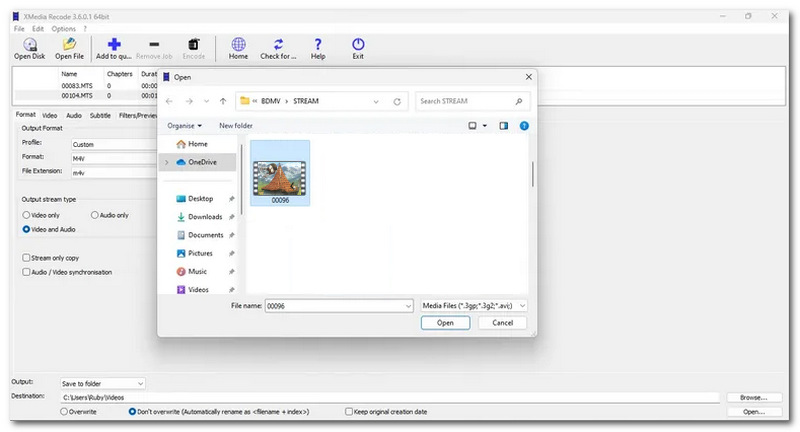
XMedia Recode is a free-to-use video and audio converter tool for Windows devices that allows users to adjust MXF video file settings to user-preferred settings or let the tool do the adjustment. Highly regarded as a powerful audio and video converter tool for Windows, XMedia has a similar user interface and function to HandBrake, perfecting the balance between lightweight and functionality, with customization features not just for conversion needs but also for editing video file metadata and more.
Ratings: 4 / 5
- Fast processing video and audio converter tool.
- It has a wide range of customization settings for more precise media file conversion needs.
- It has similar functions and features to HandBrake.
- Powerful conversion settings.
- Available on Windows devices only.
- Novices may find the user interface quite overwhelming.
FreeConvert MXF Tool
Best For: Larger MXF File Size Conversion Needs
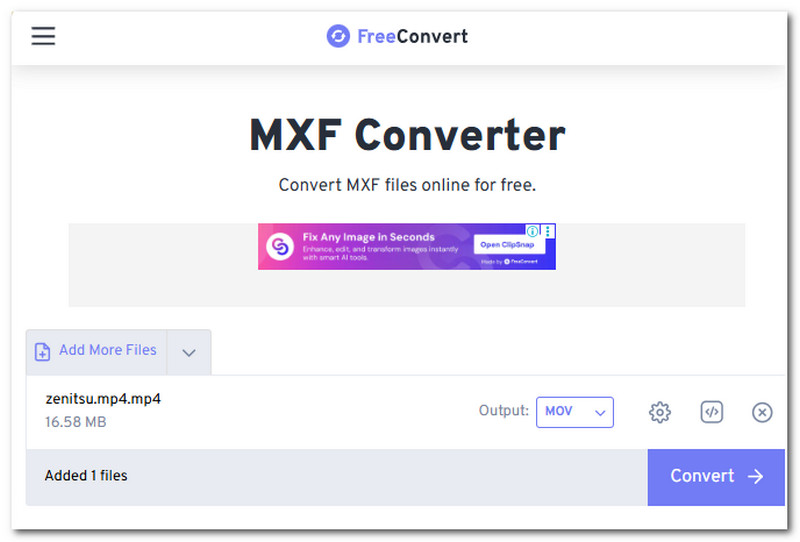
FreeConvert is a web-based tool that is also capable of converting MXF files to any file format, as it also has a wide range of file format output support. As an open-source tool, it processes and converts video in its pristine quality, ensuring that it does not lower the converted video quality.
Ratings: 3.8 / 5
- Web-based MXF video converter tool.
- Free to use tool.
- Straightforward video converter tool.
- Easy-to-use tool.
- It has ads on its webpage.
- Does not have extra features for the conversion process.
VLC Media Player
Best For: Conversion of MXF File in Realtime and Media Player Tool
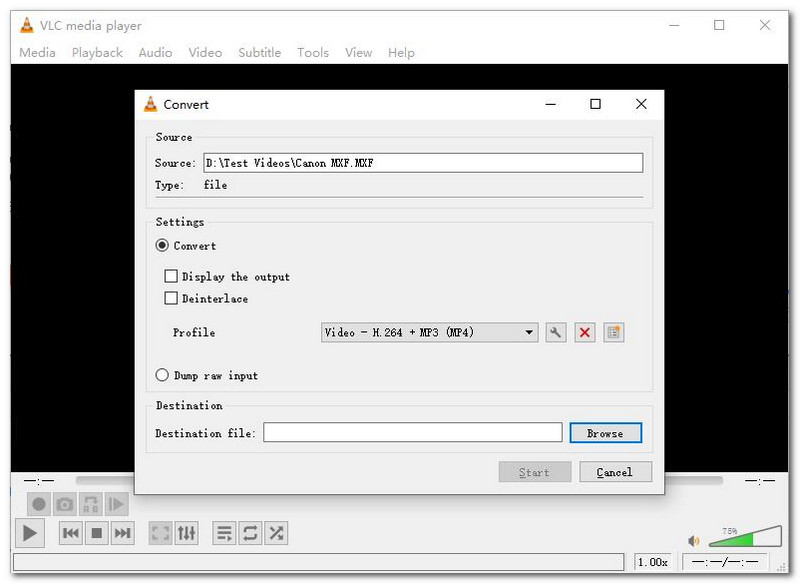
VLC Media Player is an all-purpose media player tool but offers modification of video files in real time, such as performing basic video conversion of a file. As a popular media player that is capable of playing MXF files, users can easily access its conversion feature in real time in the media player settings, hence making it a usable and easy-to-use tool. And you can also use VLC to crop videos.
Ratings: 4.1 / 5
- Free and open-source media player and video converter tool.
- Reliable video and audio converter tool.
- It has a wide range of supported file formats.
- MXF video conversion is relatively slow.
- It can only function as a basic video converter tool.
- It lacks customization options.
Part 2. FAQs about Free MXF Converters
Why would I need to convert an MXF file?
The need for converting an MXF file is particularly deeply rooted in its compatibility on most devices and platforms. MXF files are mostly used in film, production, and broadcast media. In addition to that, MXF files can only be opened by software or professional tools, making it hard for casual users to use it as a file format for social media and internet media files.
Are free MXF converters safe to use?
Yes, MXF converters are safe to use, especially the above-mentioned tools in this article, as we have tested them and actually use them for such tasks. Based on our experience, all of them have managed to produce a high-quality converted video, and thus they do not lower the video quality nor ruin it.
What formats can MXF files be converted to?
MXF files can be converted to the user's preferred file format, but for your information, the majority of MXF files have always been converted into the following media file formats: MP3, FLV, MOV, AVI, MKV, WMV, and MPEG.
Do free MXF converters add watermarks?
It depends on the converter tools that you are using; hence, the listed tools in this article do not leave a watermark on the converted MXF files. Feel free to use all of them to your best desire.
Conclusion
XMP video files can be stressful to handle, especially when you don’t know how to deal with them, as not many devices and platforms on the internet support displaying such a file format. In that regard, it is only right to use the assistance of a tool that will allow it to be converted into a more compatible file format. Depending on the user's needs, there are many video converter tools out there, but within this article is the free MXF to MOV converter tool, which we listed in a comparison format for users to analyze each tool further and what best fits their needs.
What do you think of this post? Click to rate this post.
Excellent
Rating: 4.9 / 5 (based on 662 votes)


