


6 GoPro Video Converter For Online & Desktop Conversion
GoPro is a brand of action cameras that are handy and compact, meant to easily carry around to instantly capture high-quality video and photos under extreme conditions without the need for using those big and not-so-durable cameras. As it captures high-quality video, it captures videos in the MP4 file format, and while it is a good thing that it uses a widely compatible format, being stuck in only one format can pose a problem, especially when users are in need of higher quality videos. That’s why, in the case of taking videos with GoPro cameras and to be able to change the video file format to the one you need, it requires a third-party intervention. These third-party tools are meant for converting GoPro videos to any format to achieve and preserve the quality.
This article will review six user-friendly GoPro video converter tools accessible via desktop devices or online usage to ensure that users find the best program for their conversion needs. Thus, continuing to read this article will give readers an understanding of the video conversion tools listed alongside their pros and cons.

- GUIDE LIST
- Part 1. Top 6 GoPro Video Converters for Windows, Mac, and Online
- Part 2. FAQs about The Best GoPro Video Converter
How We Test and Review
When we test and review our listed tools for converting GoPro video to MP4, we follow the following basis:
1. We check the tool’s availability for use by users, and whether they are easy to use and accessible on their desktop device or simply a web browser, making the tool eligible for inclusion in our list of GoPro video converter tools.
2. We check each of the tools that convert GoPro video to MP4 , their capabilities, features, and quality by actually using them to ensure real-life application and results are written in this article.
3. Lastly, to make sure that the tools we test and review as a GoPro video converter are safe and actually produce results, we use each tool for a week to handle our basic to average use of video conversion needs.
Part 1. Top 6 GoPro Video Converters for Windows, Mac, and Online
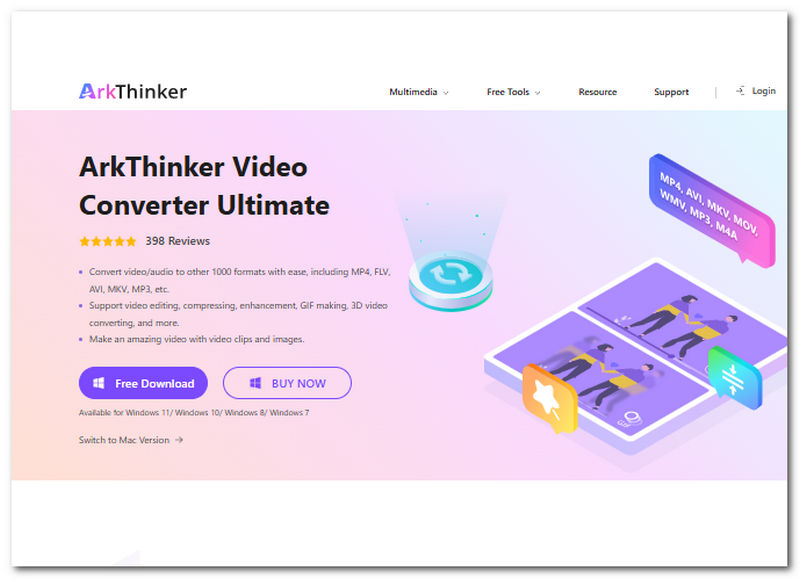
ArkThinker Video Converter Ultimate: Powerful & Lightweight GoPro Video Conversion
ArkThinker Video Converter Ultimate is a versatile, powerful video and audio converter tool that can handle almost all types of file formats with ease and convert them at a much faster rate without compromising the media file quality. Not only does it have wide compatibility with different file formats, but it also supports simple video editing, compression, enhancement, and GIF making, all in one place, making it the tool that meets all kinds of demands when handling media files.
Key Features:
- • 30x faster conversion speed.
- • Supported GoPro video file format settings.
- • Multiple video or audio batch conversion.
- • Lossless conversion quality.
- • Supported 1000+ video and audio file formats.
How to Convert GoPro Video
Open the ArkThinker Video Converter Ultimate software tool on your Windows or Mac devices.
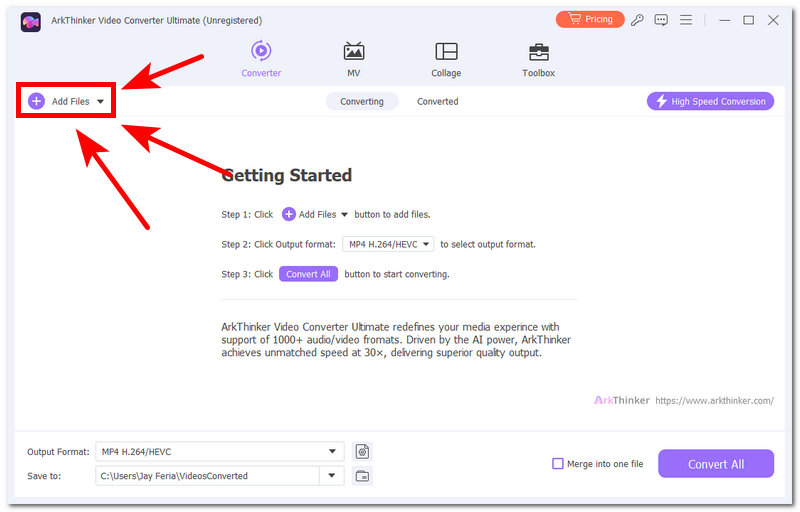
Once the GoPro video converter tool is open, add the video file of your GoPro you wish to convert by clicking on the + button or the Add Files button in the upper-left corner of the tool.
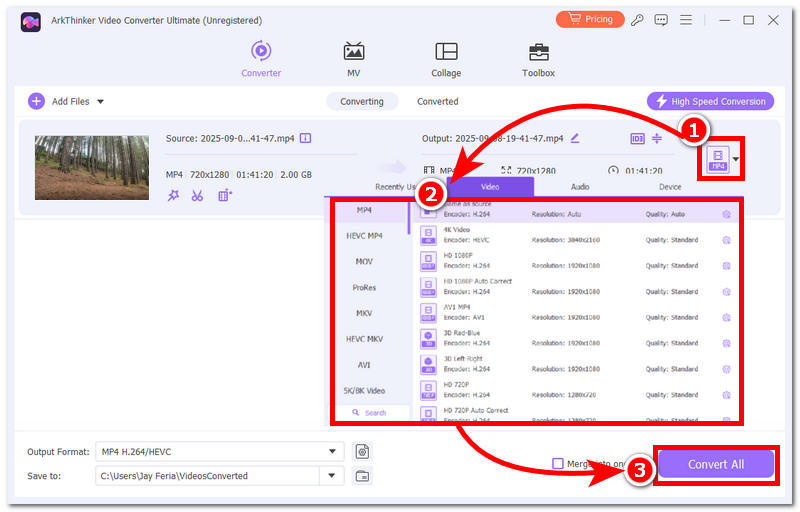
Head over to the right side of the video file and click on the video file format button, and from there select your preferred video file format to convert your GoPro video file into.
Once you are done, proceed to click on the Convert All button to start the conversion process.
Why ArkThinker Video Converter Ultimate Standout?
It makes a lot of difference when the tool is easy to navigate around with, has this clean layout, yet when it comes to functionality, it brings quality to the table. ArkThinker is a software tool that has the ability to produce lossless video conversion results in seconds, which makes this tool superior compared to other GoPro camera video converter tools.
VLC Media Player: Free GoPro Video Playback Tool
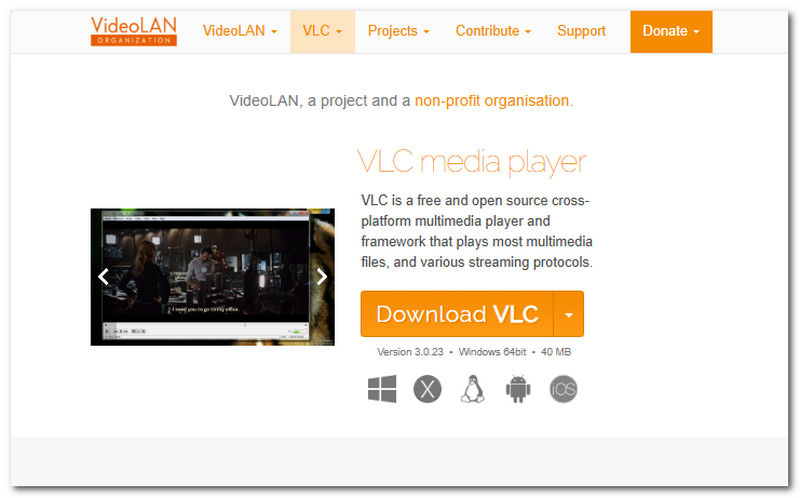
VLC is a popular open-source media player for desktop and mobile devices, allowing it to be the platform to play or display media content such as GoPro videos. While it can be used to playback GoPro videos on a loop and is capable of basic conversion needs, it cannot perform heavy conversion tasks like 4K/HEVC for GoPro videos.
- Free to use tool.
- Support a wide range of video file formats.
- It can be used for quick, basic conversion needs.
- Cross-platform availability.
- Can not handle GoPro’s 4K/HEVC files.
- Slow video conversion speed.
- Video quality loss risk.
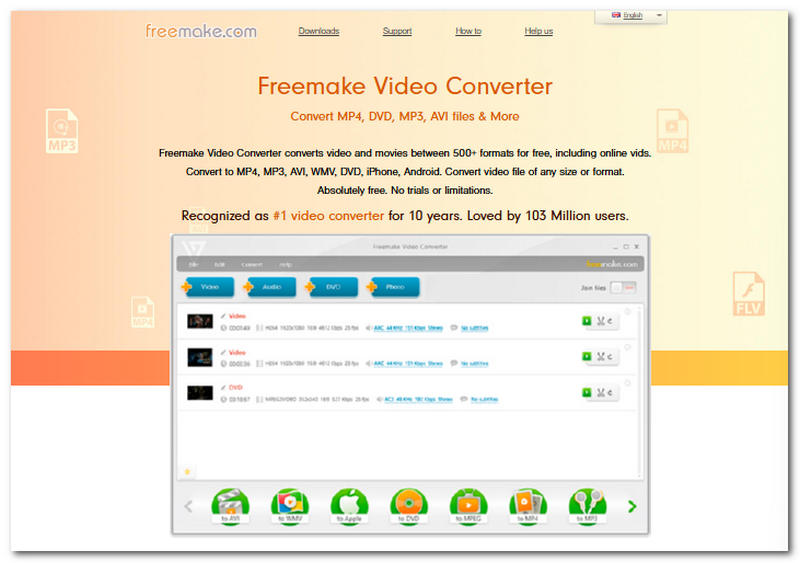
Freemake: All-in-One Video Converter Software
Freemake Video Converter is another desktop software video converter tool that is best suited for casual users of a simple GoPro video format converter tool. As the software has a wide range of video file format compatibility, the program itself is usable as a video converter from any device.
- Straightforward user interface.
- Support for many video file formats.
- Availability of basic editing tools.
- Quick video file format switching.
- Struggles to handle GoPro’s 4k/HEVC files.
- It comes with limited GPU acceleration.
- The converted video is at risk of quality loss.
- Occasional software stability problems.
- There is a watermark.
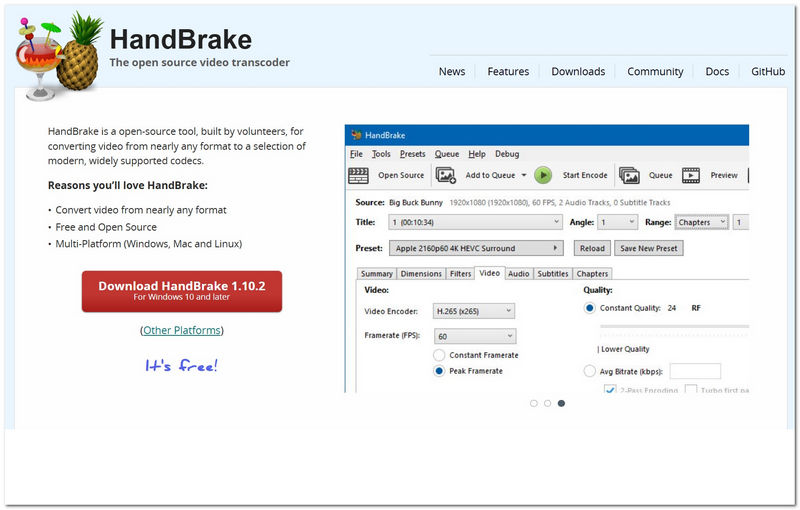
HandBrake: Open-Source GoPro Video Converter Tool
Handbrake is a free/ open-source video converter tool that makes converting video files easy. Like any other software tool, HandBrake can take GoPro video files as well as reliably handle HEVC. 265 video footage and allows users to convert it to any other file format they want.
- Compression quality is superb.
- Has a wide range of file format compatibility.
- Cross-platform compatibility.
- Video batch processing.
- Does not have GPU acceleration.
- GPS and telemetry data are removed during conversion.
- Has a very overwhelming user interface.
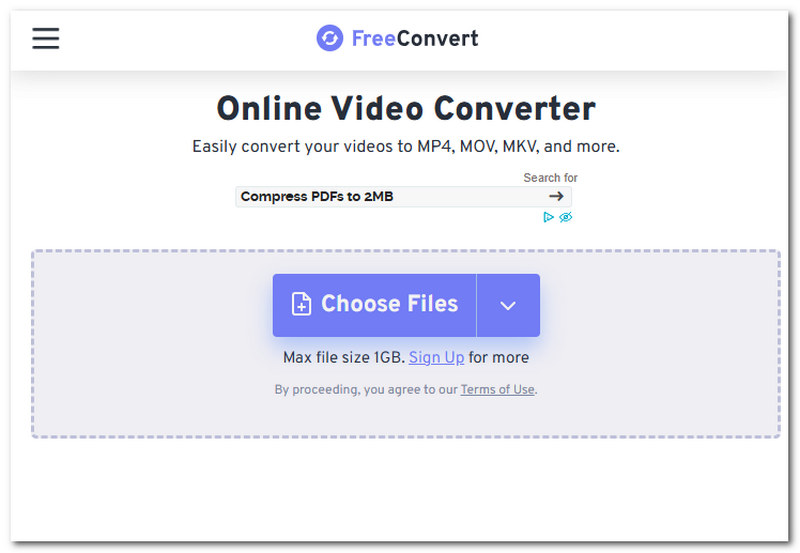
FreeConvert: Web-based GoPro Video Converter Tool
A web-based video file converter tool that is capable of changing a GoPro video file format into other formats easily, all at the click of a button. This just means you do not necessarily need to install software tools just to convert your GoPro video files.
- Straightforward access and use.
- Supports GoPro file format.
- Capable of basic customization.
- Cross-device availability.
- Limited file size upload.
- Internet dependency.
- No GPU acceleration.
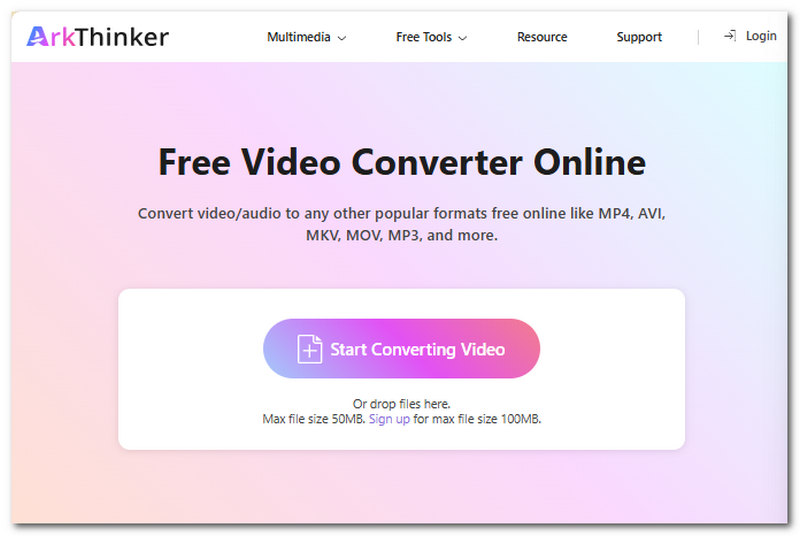
ArkThinker Free Video Converter Online
ArkThinker not only has its own software tool to allow GoPro users to convert their videos easily, but they also make an online version to make their scope of ultimate and powerful video conversion reach online users.
- Support multiple video file formats.
- Easy and safe to use video conversion tool.
- Lossless video conversion quality.
- Fast to process and convert videos.
- Internet dependency.
- Appears to have a lower video file size upload.
Part 2. FAQs about The Best GoPro Video Converter
What is a GoPro video converter?
A GoPro video converter is a type of software tool that allows its users to change the GoPro video footage into a different file format, making it easier to edit or share across devices.
Why do I need a GoPro video converter?
The need to have a GoPro video converter will be greatly beneficial to you, just in case your GoPro video won’t play on other devices, the editing software you use doesn’t support its format, or you want to reduce its file size without losing its quality.
Conclusion
GoPro video file converter truly can save your GoPro video file problems, for other devices or tools do not commonly support it and to ensure that you will not ruin your GoPro video quality, it is also important to know what tools to use, and that’s why this article uses this opportunity to provide you choices of GoPro video converter tools for desktop and online usage.
What do you think of this post? Click to rate this post.
Excellent
Rating: 4.8 / 5 (based on 499 votes)


