


Does Instagram Have Screenshot Notifications: 2026 Guide
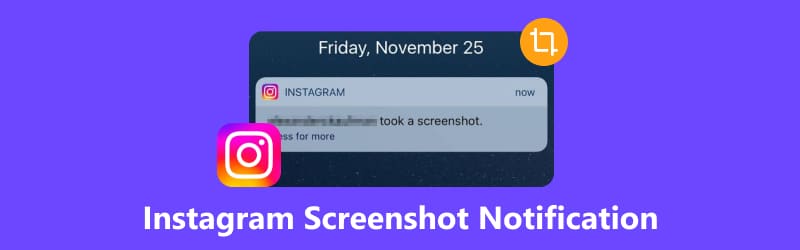
Are you curious whether taking a screenshot on Instagram notifies the person you captured a screenshot of? This article will answer that question by providing a detailed guide to Instagram screenshot notifications, helping our readers learn whether the social media app notifies users when their stories, posts, reels, or messages are being screenshot. We will also highlight the best third-party solution to take screen captures from Instagram that bypass notifications.
- GUIDE LIST
- Part 1. Does Instagram Notify Screenshots
- Part 2. When Instagram Does and Does Not Notify
- Part 3. Capture Instagram Content Safely with ArkThinker Screen Recorder
- Part 4. FAQs About Screenshot Notifications on Instagram
Part 1. Does Instagram Notify Screenshots
Whether Instagram notifies users about screenshots varies across the platform's multiple sections. For example, most posts in the main Instagram feed can be screen-captured without triggering screenshot notifications. However, there are specific sections in the app where attempting or taking screenshots will notify the user. For a detailed guide on which Instagram sections notify users, please refer to the next section of the article.
Part 2. When Instagram Does and Does Not Notify
Instagram Story Screenshot Notification
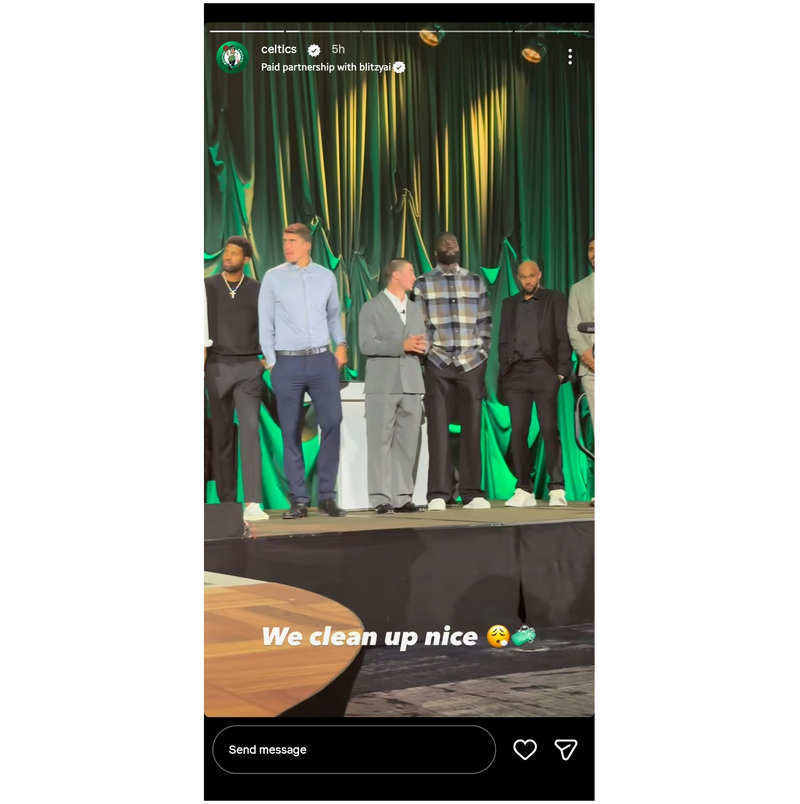
We will start with Instagram Stories to determine whether screenshots in this section can be captured without any notifications. Fortunately, taking screenshots on stories from public accounts, close friends, and profile highlights will not notify the users.
This is very important, as stories are often the most popular sections of Instagram where users browse for entertainment. As such, Instagram Stories have no screenshot notification, and regular posts do not notify users, since this content is posted for public consumption.
Screenshots of Posts and Reels
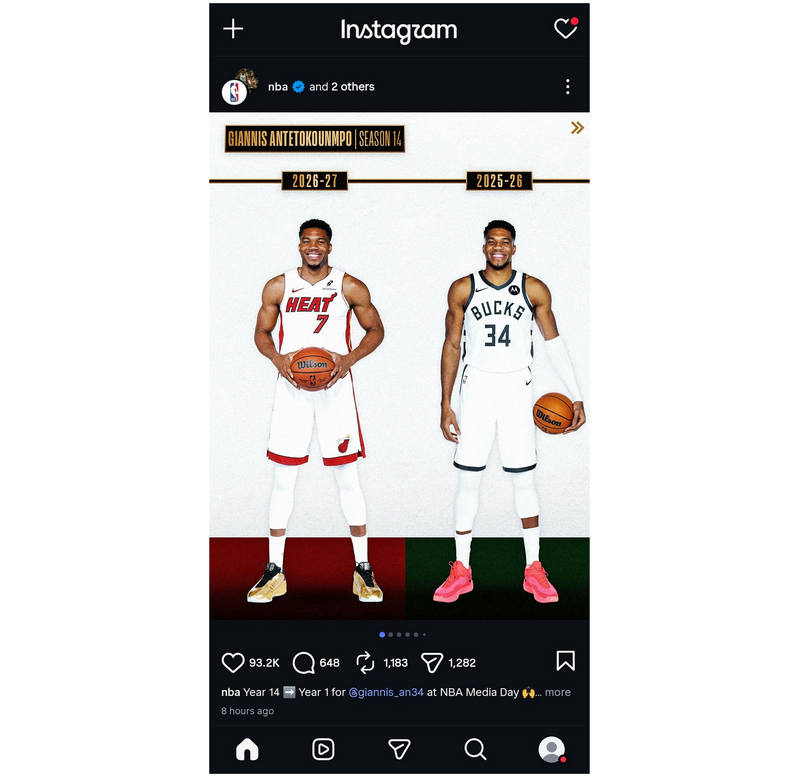
Similar to Stories, regular posts and Reels (short-form content) also don't show a screenshot notification when you take a screenshot of an Instagram post on Android or iOS. Similar to stories, public posts on Instagram and Reels are also made for public consumption and the primary entertainment option in the social media app.
As a result, regular posts on your Instagram feed and short-form videos in Reels can be screen-captured without alerts or notifications.
Direct Message Screenshots
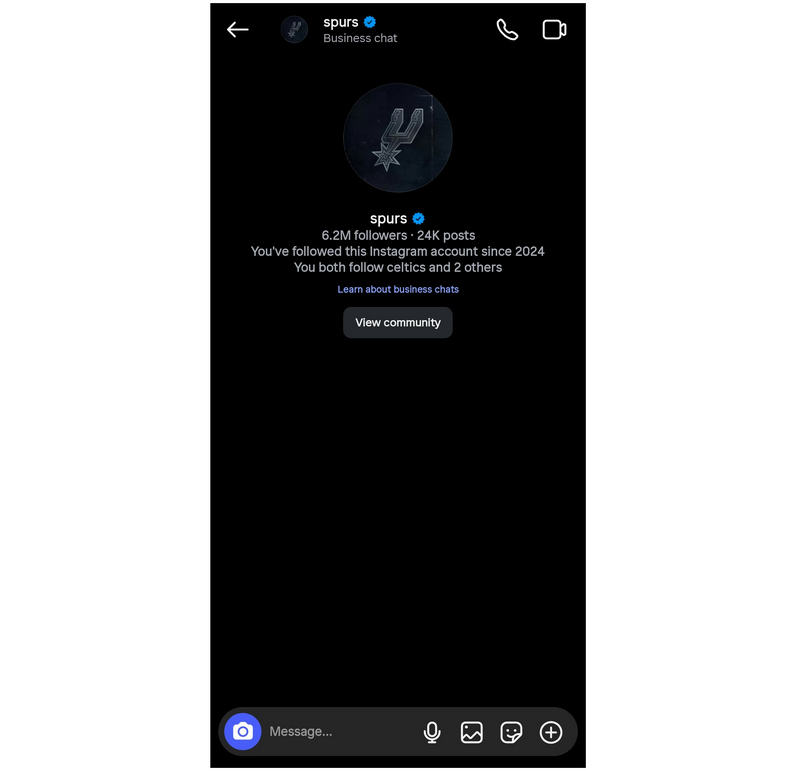
Since stories, posts, and reels are made for public viewing and consumption, screenshot notifications are not present in these sections. However, direct messages (DMs) on Instagram are private. As such, taking screenshots in specific message modes notifies other users in the conversation.
However, the notification trigger in Instagram messages will only appear if you try to take screenshots in the app's Vanish Mode and View-Once Messages. If you want to capture screenshots during regular conversations, feel free to do so. But it is advisable to ask permission from the person you are speaking with before taking screenshots.
Part 3. Capture Instagram Content Safely with ArkThinker Screen Recorder
Now that we have discussed how screenshot notifications work in specific sections of Instagram, we can move on to the third-party solution for capturing Instagram content safely: ArkThinker Screen Recorder, a desktop-based screen recording and capture tool.
Based on our guide, the only sections in Instagram where users will be notified when attempting to take screenshots are Vanish and View Once modes in Instagram DMs. As such, important information shared in these modes cannot be saved on your device. To solve this problem, ArkThinker's Phone Recorder mode directly addresses it.
Since the Phone Recorder mode in ArkThinker mirrors the smartphone display, taking screenshots of the mirrored screen in your desktop software will fix this issue. You can do this by using the screenshot option in ArkThinker, or by using the screenshot tool on your computer. Nonetheless, you can capture the Instagram message without triggering an in-app notification.
To learn the basics of setting up ArkThinker Screen Recorder’s Phone Recorder mode, make sure to read our detailed step-by-step guide on using the tool.
To make it easier to follow the steps in our tutorial, make sure to download the software first.
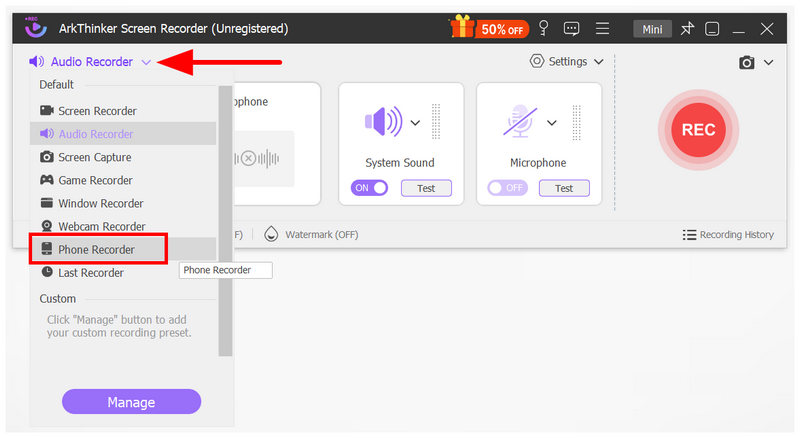
Open ArkThinker Screen Recorder, click the recording mode dropdown, and choose Phone Recorder.
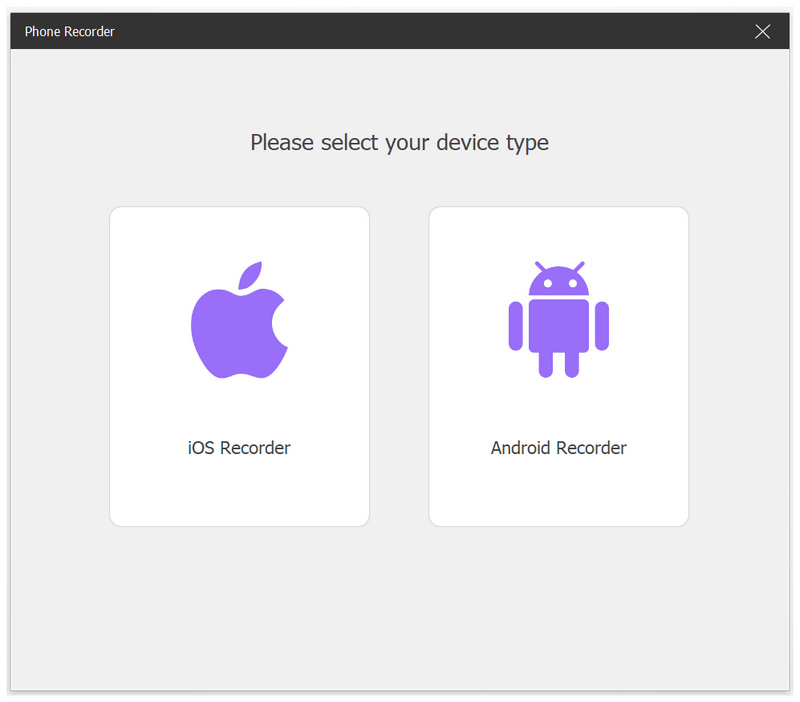
In Phone Recorder mode, select iOS Recorder or Android Recorder based on your device.
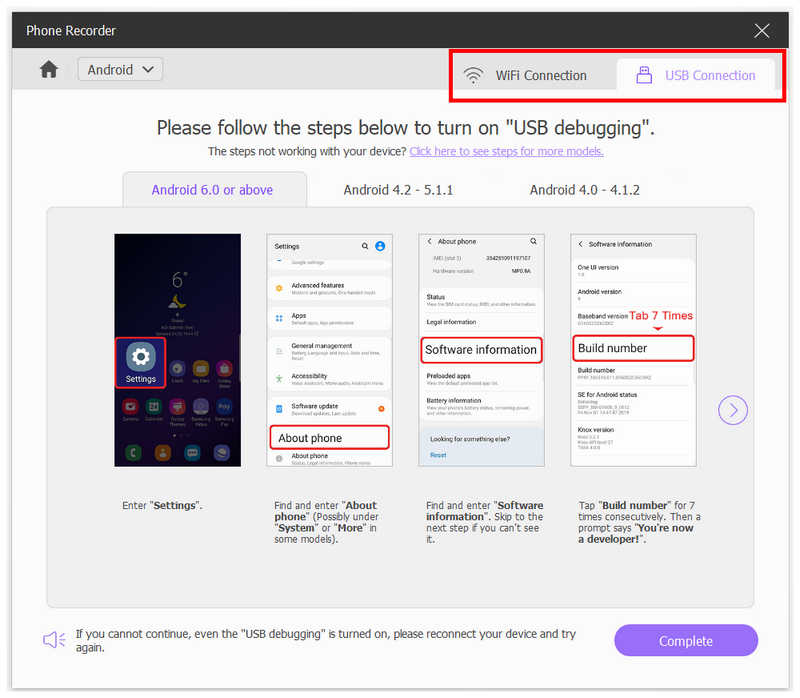
Then select how you want to connect your device, either via WiFi or USB. Follow the connection tutorial in-app to connect your device to the recording software.
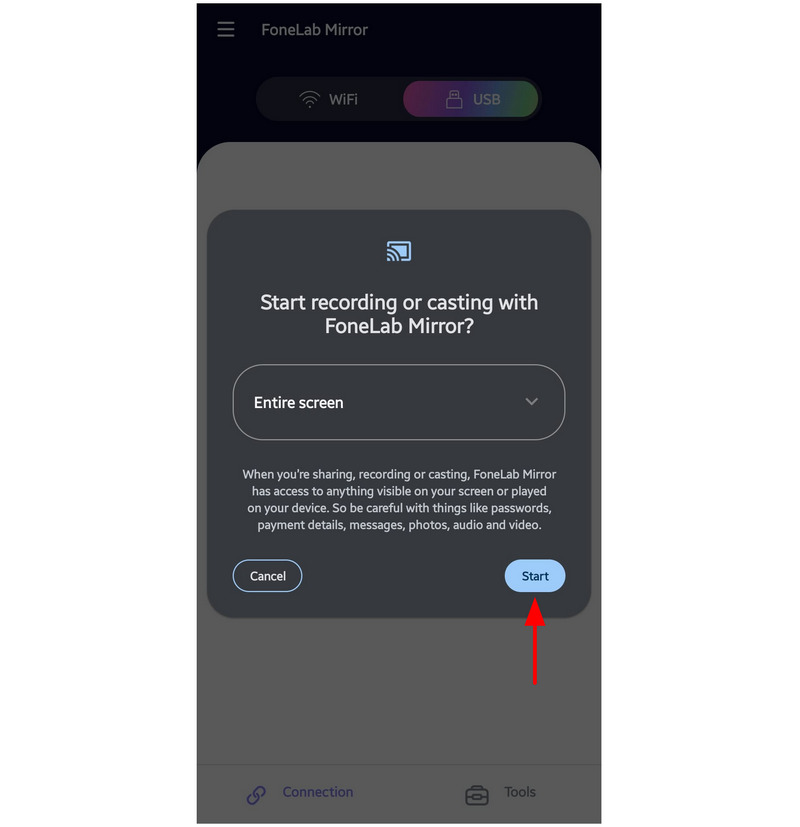
Once your device and software are connected, select Start Now or Start notification on your screen to begin screen mirroring your device display to ArkThinker Screen Recorder. You can now go to Instagram messages and capture a screenshot from the mirrored screen on your computer.
Now that we have discussed how the Phone Recorder mode in ArkThinker Screen Recorder works, we hope that you can now capture Instagram screenshots without worrying about unwanted notifications.
Note: When taking screenshots or screen recording Instagram using third-party software, such as ArkThinker, we advise our users to notify or tell the person themselves that they will be taking a screenshot of them to avoid breaching privacy.
Part 4. FAQs About Screenshot Notifications on Instagram
Does Instagram direct message have screenshot notifications?
It depends on the mode of the conversation you are having. In regular DMs, taking screenshots will not notify the users in the conversation. However, taking screenshots in Vanish or View Once mode will trigger a notification.
Does Instagram black out the screen when taking screenshots?
Yes, it does. Taking screenshots in Instagram DMs' restricted modes will result in a blacked-out screenshot. To bypass this, you have to use third-party screenshot tools like ArkThinker Screen Recorder.
Is it hard to take screenshots on social media apps?
No, it is not. Screenshots are a standard feature in social media apps. Only private messages are usually protected by screenshot blocking.
Should I use my phone's screenshot option in Instagram?
Yes, you can. Your device’s regular screen capture option can be used on Instagram with no problem. As such, third-party screen capture apps are often used in specific situations.
Are there third-party tools that can bypass Instagram screenshot blocking?
Yes, there are. However, they are usually desktop-based since Instagram can still detect smartphone apps. A good example of a desktop-based solution is ArkThinker Screen Recorder’s Phone Recorder mode.
Conclusion
Now that we have discussed how Instagram screenshot notifications work, we hope that this article will be helpful for our users who want to learn how screen captures work in the program. For users who want to capture images from social media sites discreetly and without notifications, consider desktop-based tools like ArkThinker Screen Recorder that fully bypass the security measures of most social media sites.
What do you think of this post? Click to rate this post.
Excellent
Rating: 4.9 / 5 (based on 692 votes)


